- 1Read the page
- 2Keep the kit DNA
- 3Ads in that kit
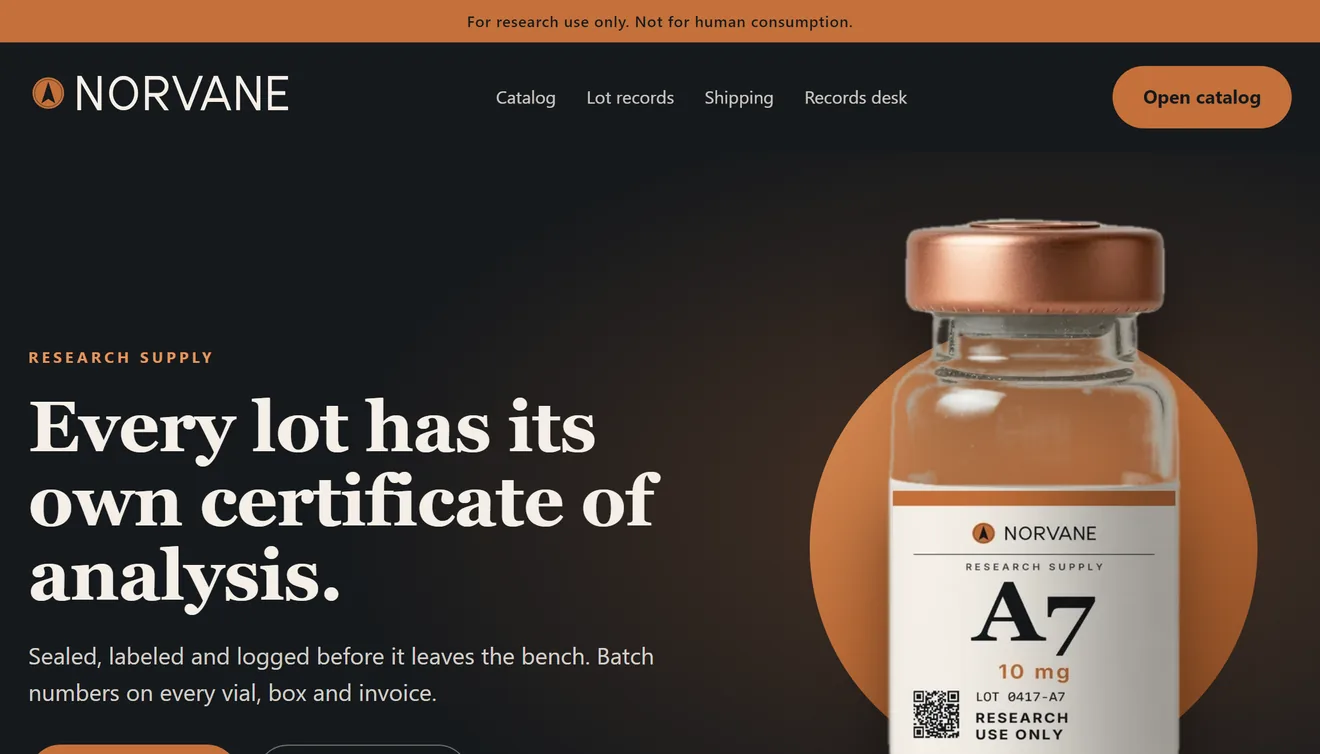
#C4703A#E2965Clow confidence#16191C#F4EFE7Inter · body
Built from the real run shown below: the store page Brand Absorber read, the colors it returned (it flagged the accent as low confidence), and Season samples for the same fictional brand. The sweep and the flying chips are this page’s animation.
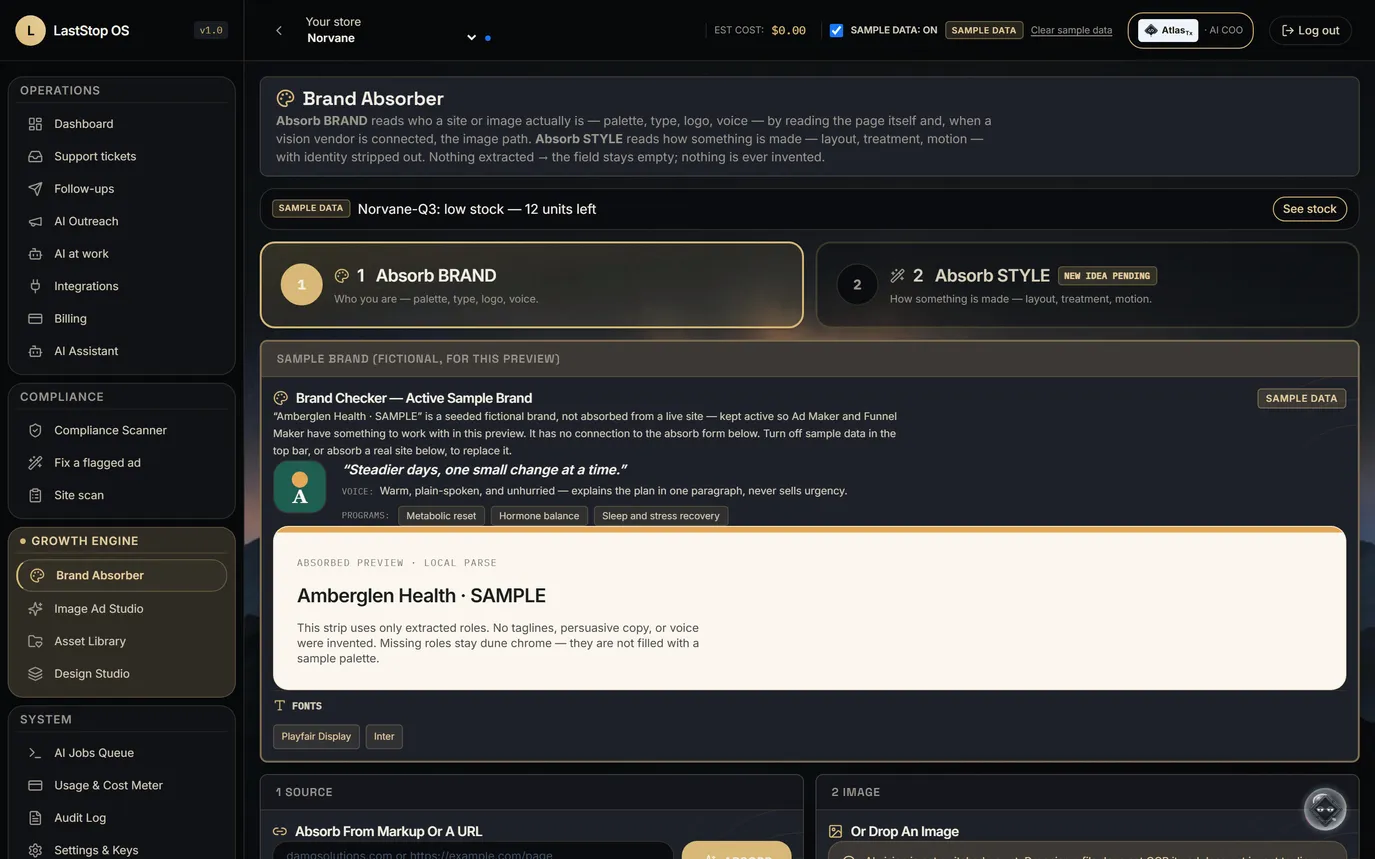
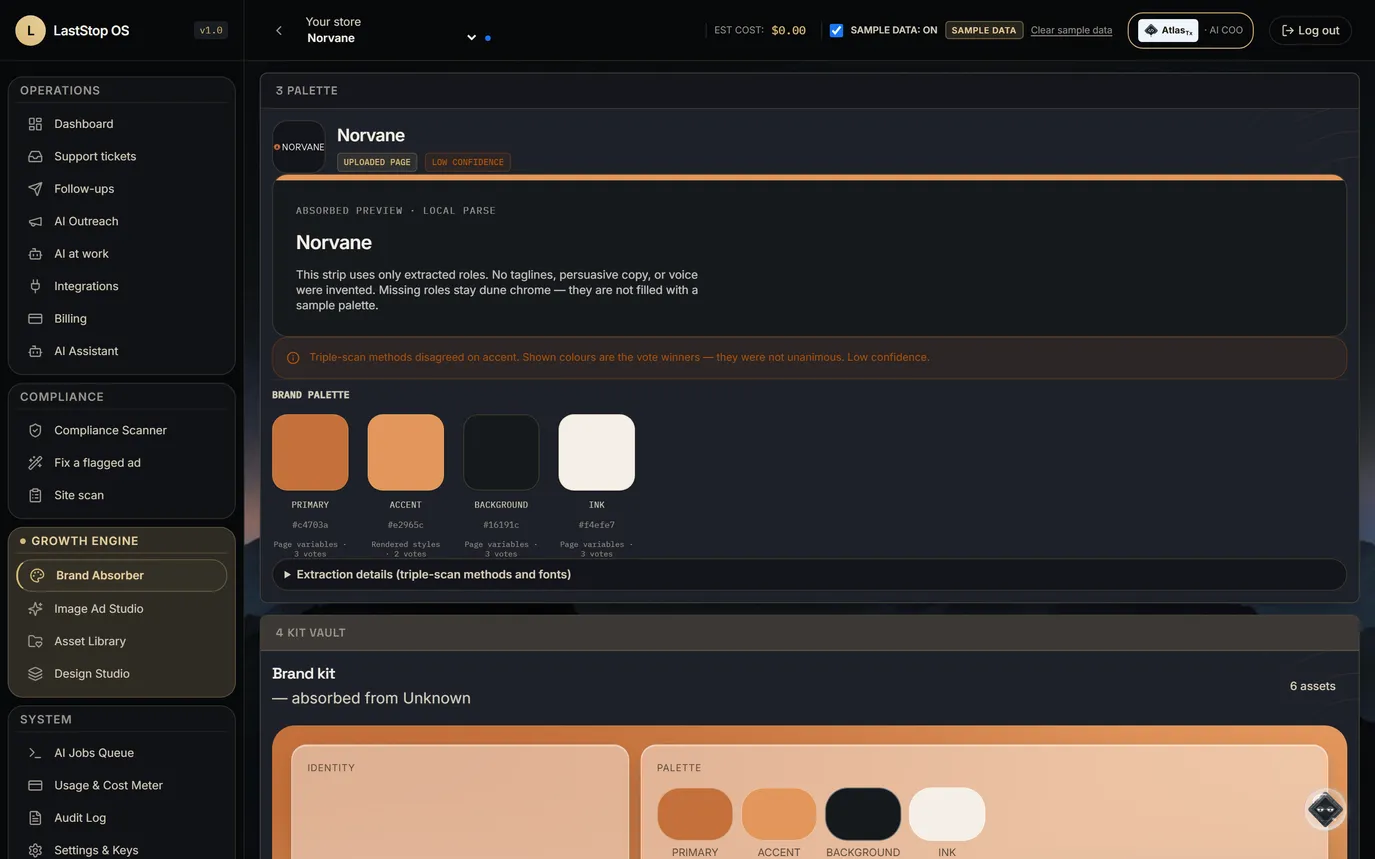
Brand Absorber
- Reads a site's palette, fonts and logo into the brand kit. An HTML upload works too.
- The kit also holds the store's product photos and its pre-approved messages.
- A person reviews and edits the kit before it is used.
Paste the store's address. Get the brand kit: colors, fonts, logo.
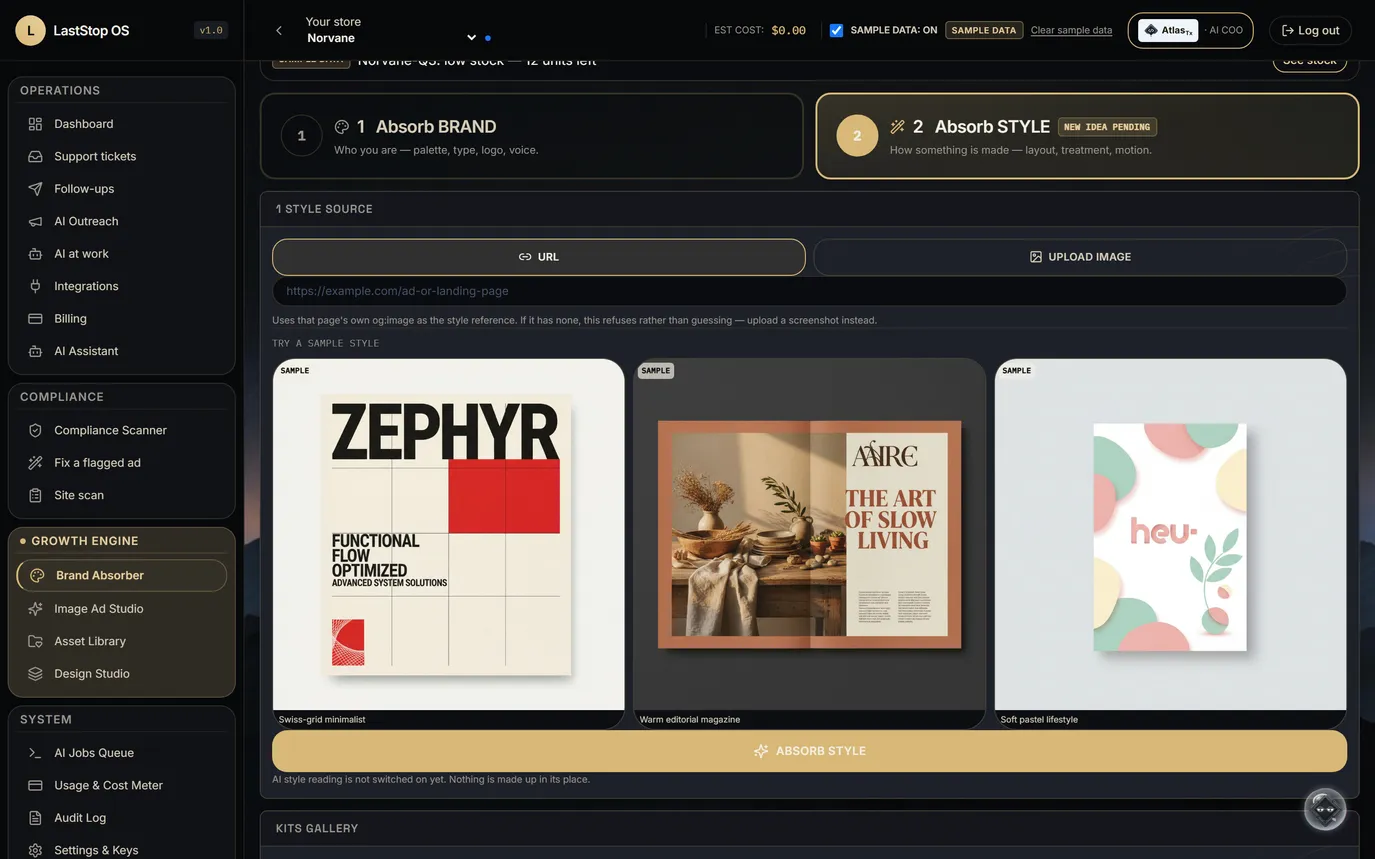
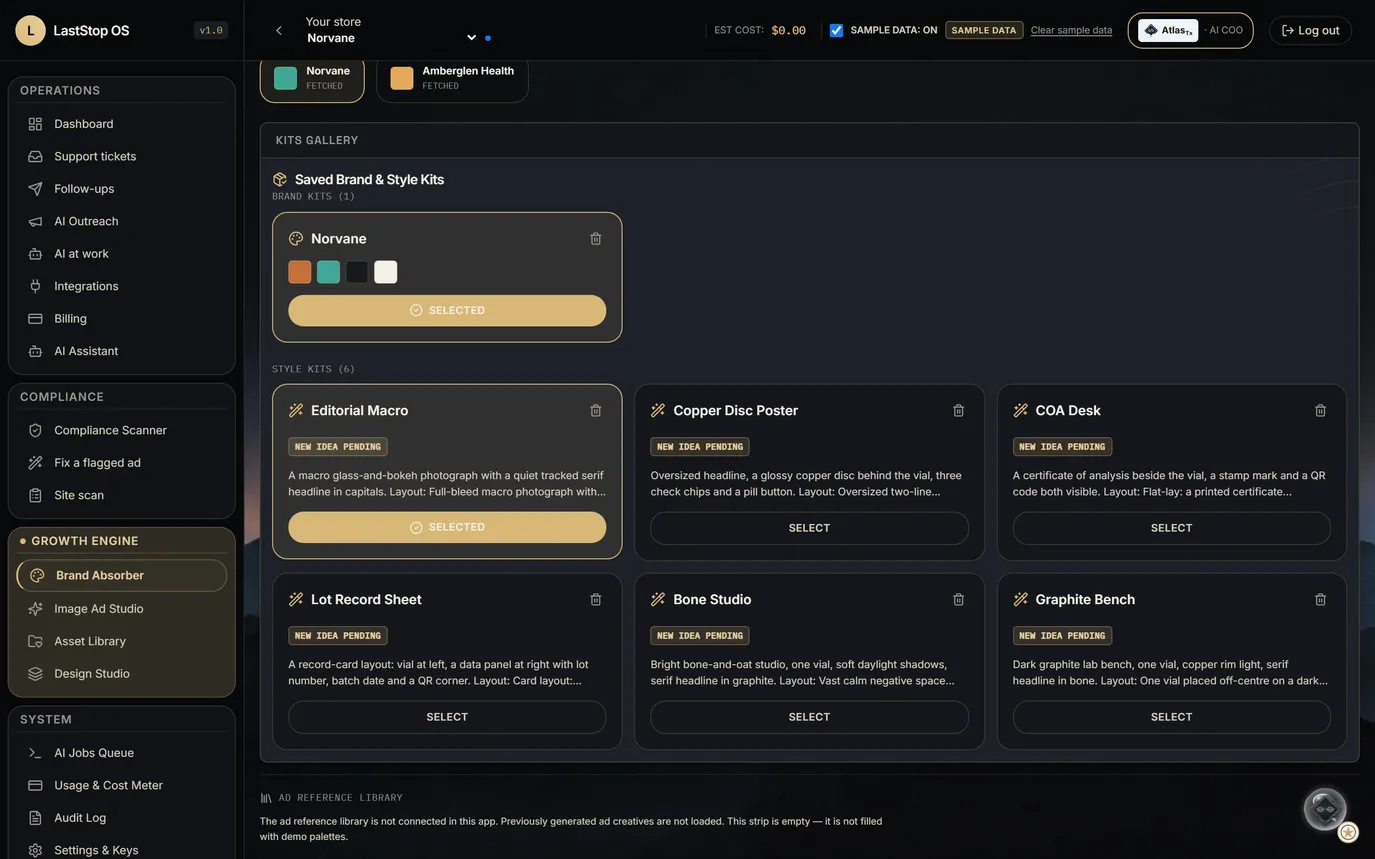
Style Absorber
- Rebranded? New style? Want to test a look, or learn from one that's working for someone else?
- Upload a screenshot or give a page address. It extracts a style kit: layout, composition, type treatment, color treatment, photography, motion and copy approach.
- It never carries identity: no logos, company or product names, copy text or exact color values. A check refuses any kit that leaks a hex color code.
- If the page has no preview image, it fails honestly instead of guessing.
Borrow the look. Never the brand.
 NORVANE
Tracked shipping
From our bench
to your door.
For research use only. Not for human consumption.
One ad. Every size.
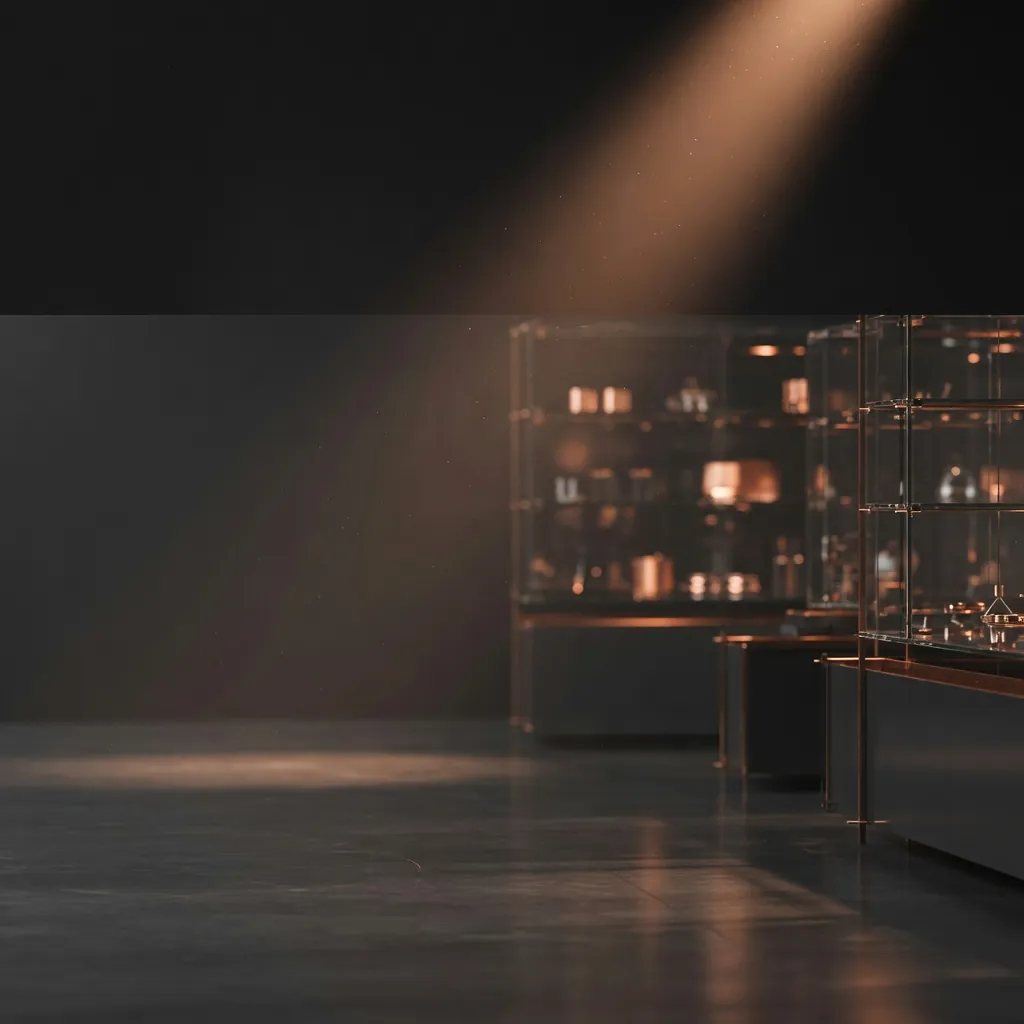
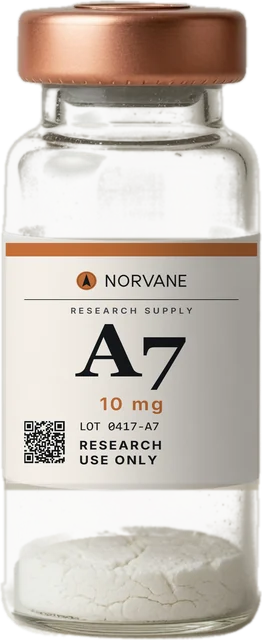
The same Season re-frames for each placement. The vial photo, the words, the button and the research-use line are placed by code, so they stay exact at every size.
Sample. The scene is the real Season 4 plate and the vial is the kit photo; the layout is set live in this page. Four of the seven formats.
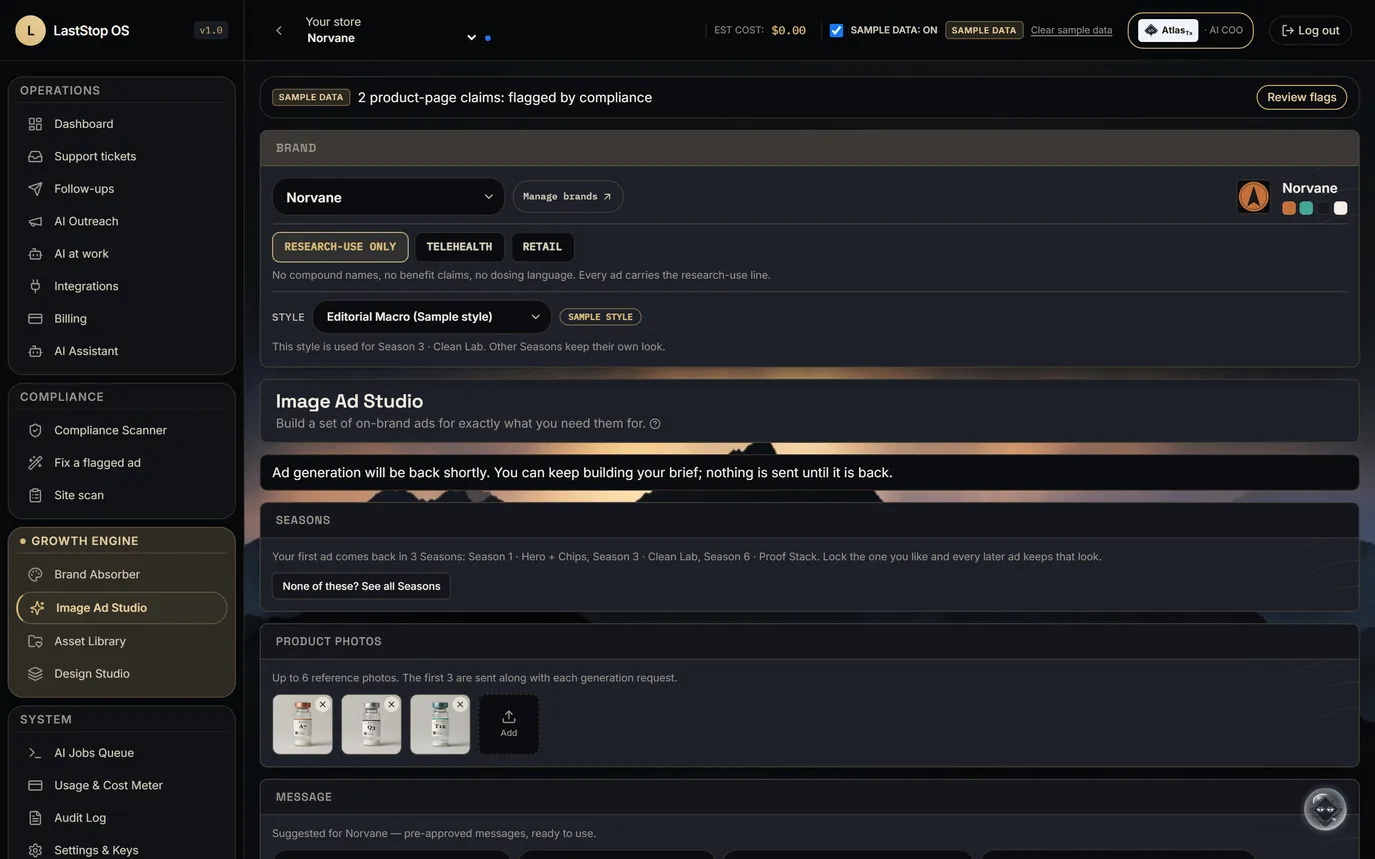
Ad Studio, research-use mode
- Formats: feed 1:1, feed 4:5, Stories and Reels 9:16, display 16:9, email header, web hero, product card.
- Copy comes from the store's pre-approved messages, for example "Every lot has its own certificate of analysis."
- Every ad carries "For research use only. Not for human consumption.", set by code.
- The rules block compound names and codes, benefit words, and dosing or human-use words on every ad.
- The image model never draws the logo, the call to action or the research-use line.
31 research-use purposes, 7 formats, and the research-use line on every ad.
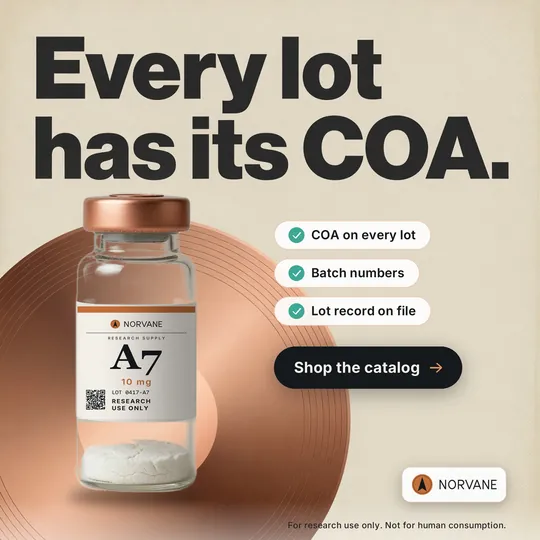
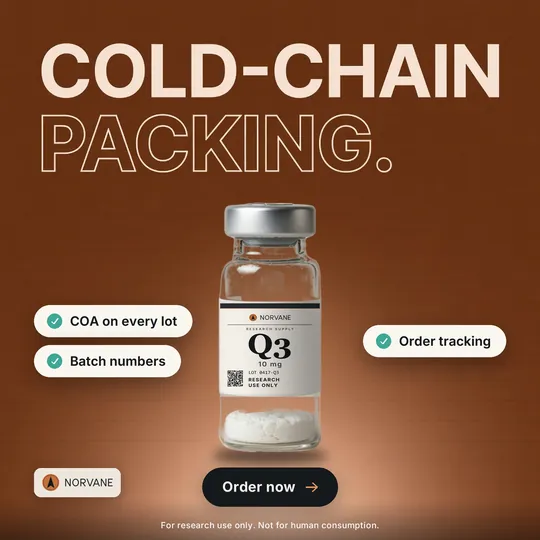 Sample ad
One brand. Nine Seasons.
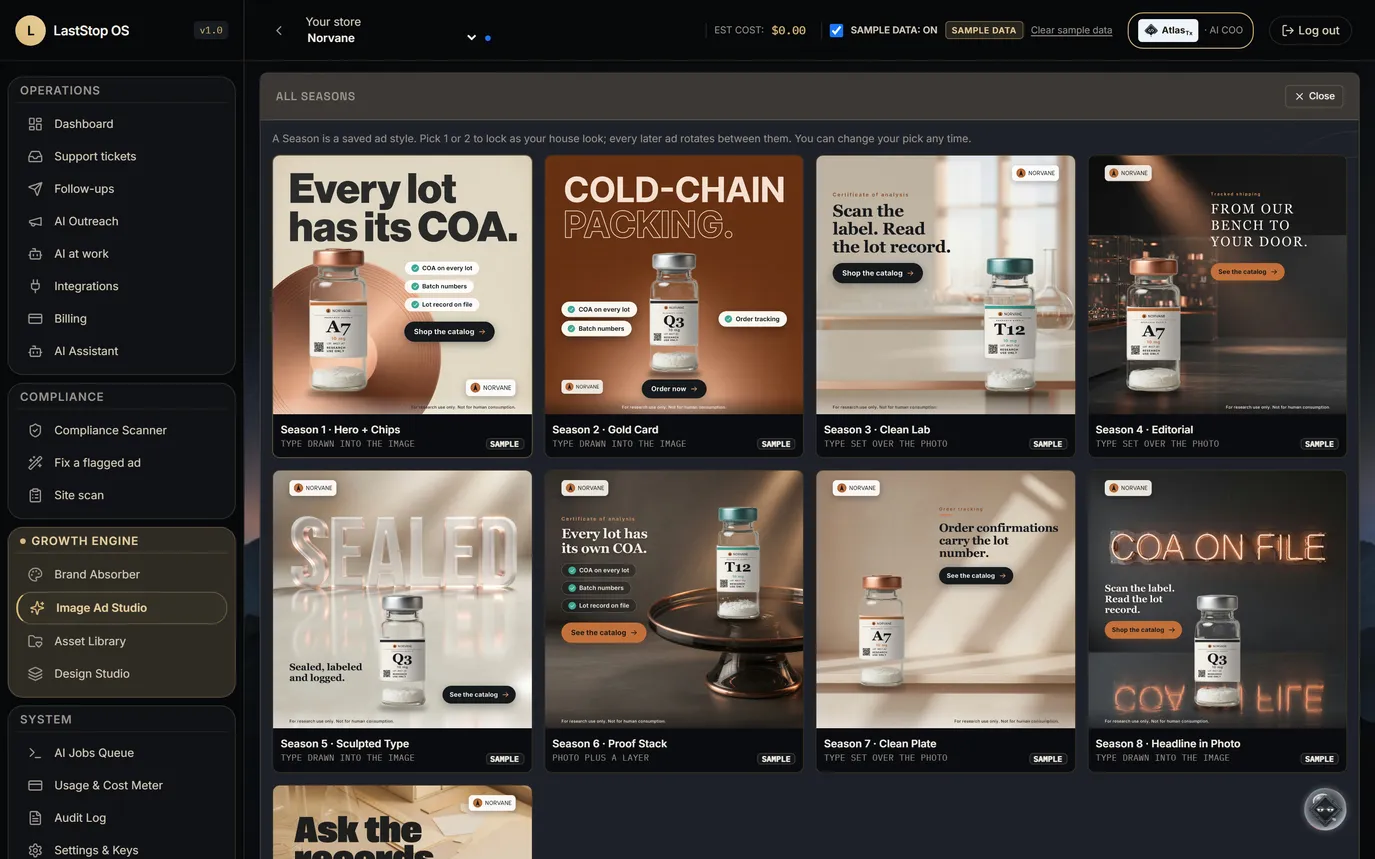
A Season is a saved ad style. Pick one or two Seasons; every later ad follows them.
One sample ad per Season, for the fictional brand. Labelled SAMPLE; none has run.
Seasons
- A Season is a saved, versioned ad recipe. Nine are active in the gallery.
- The first ad arrives in three Seasons. "None of these?" opens the gallery of finished samples, each labelled SAMPLE.
- Lock one or two Seasons as the house look; later ads rotate between them.
- Every ad records the Season and version it came from, so a good ad can be traced and made again.
- When the image model draws a headline, a text reader checks it: one retry on a mismatch, then set type. A misspelled ad is never shown as finished.
Pick a house look once. Every ad after that stays on it.
What the Seasons look like
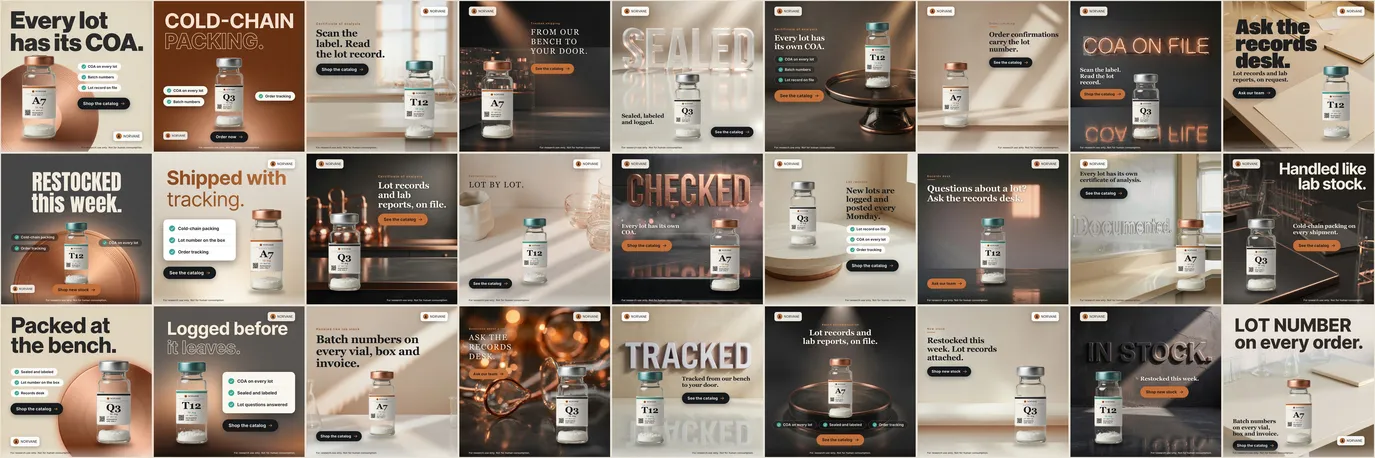
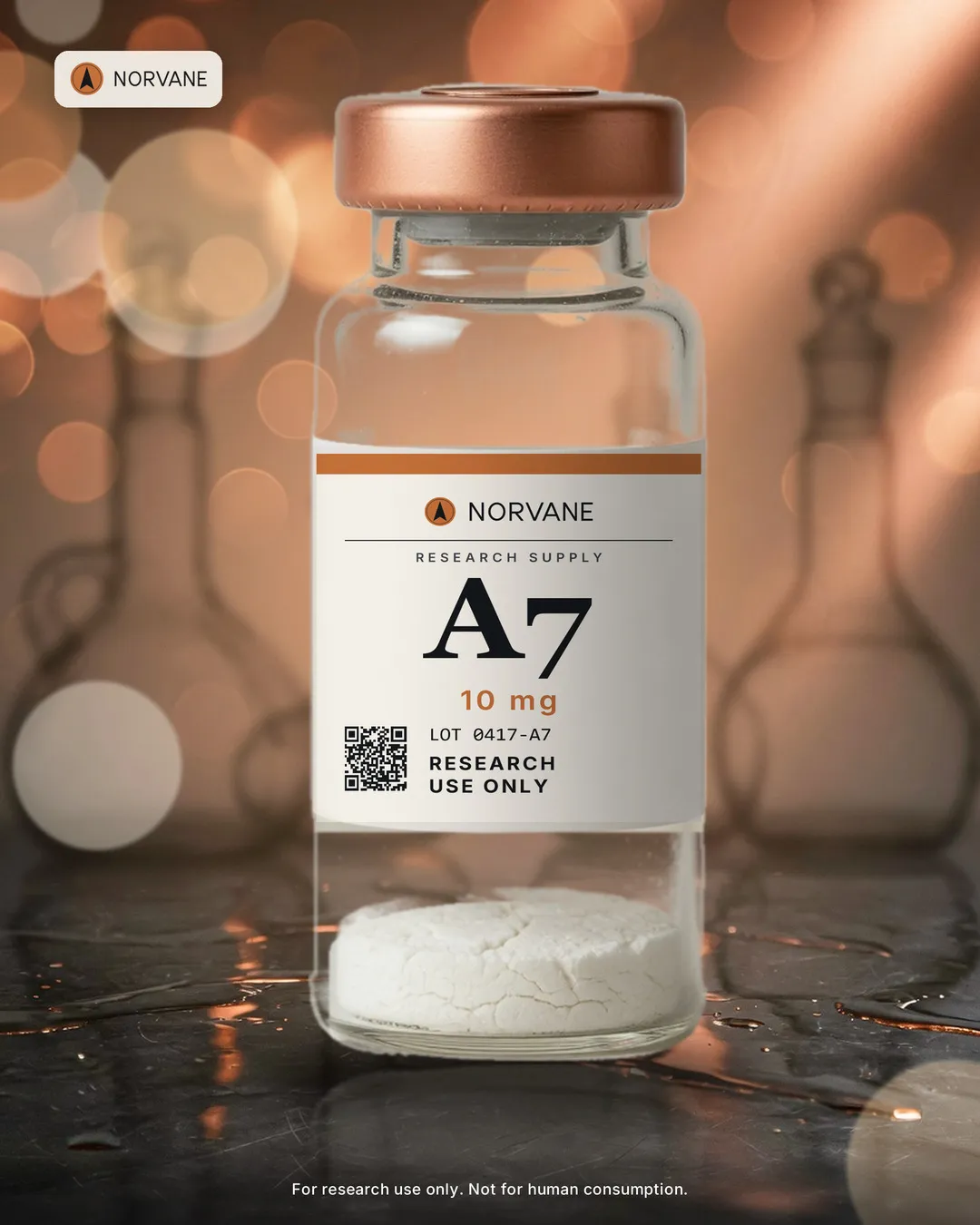
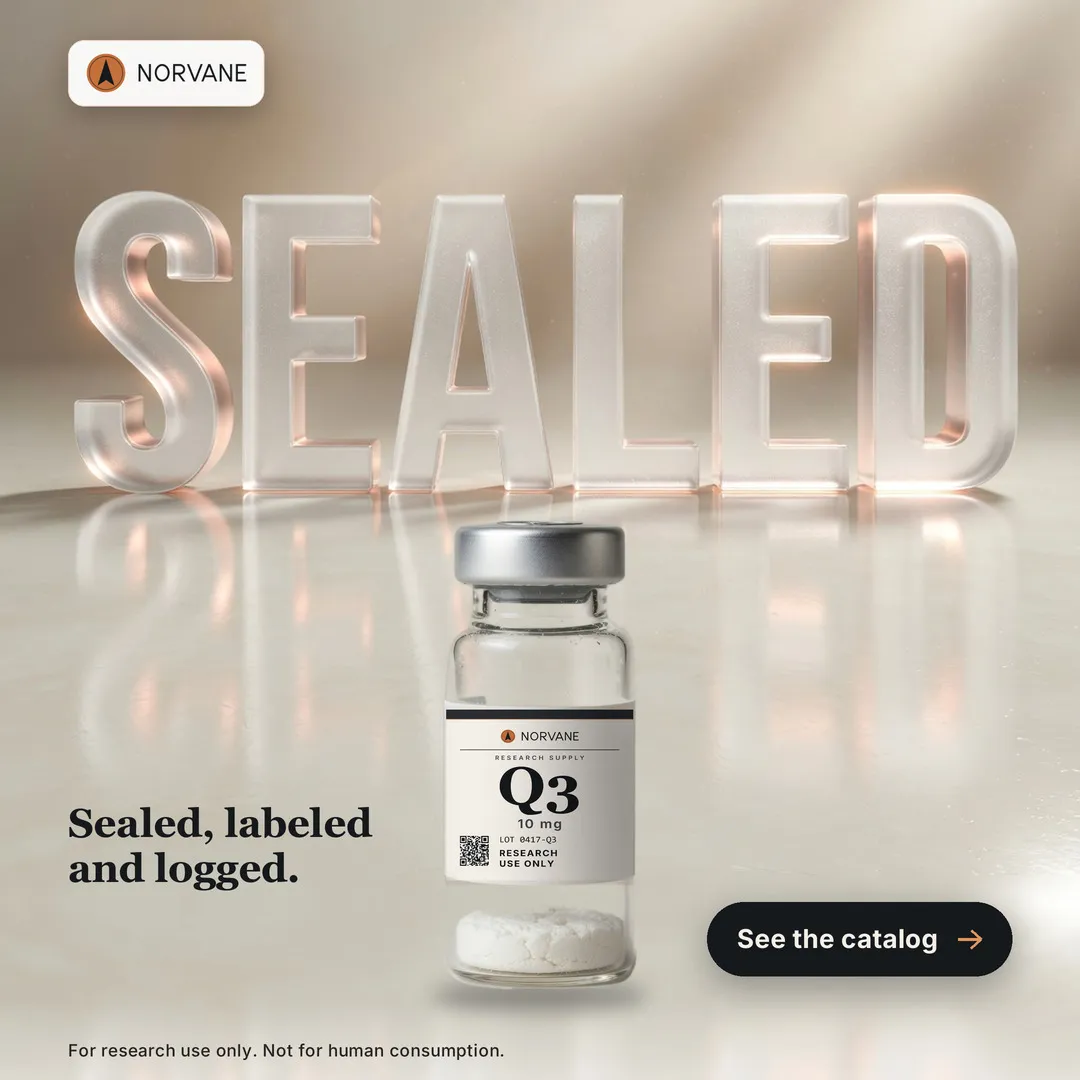
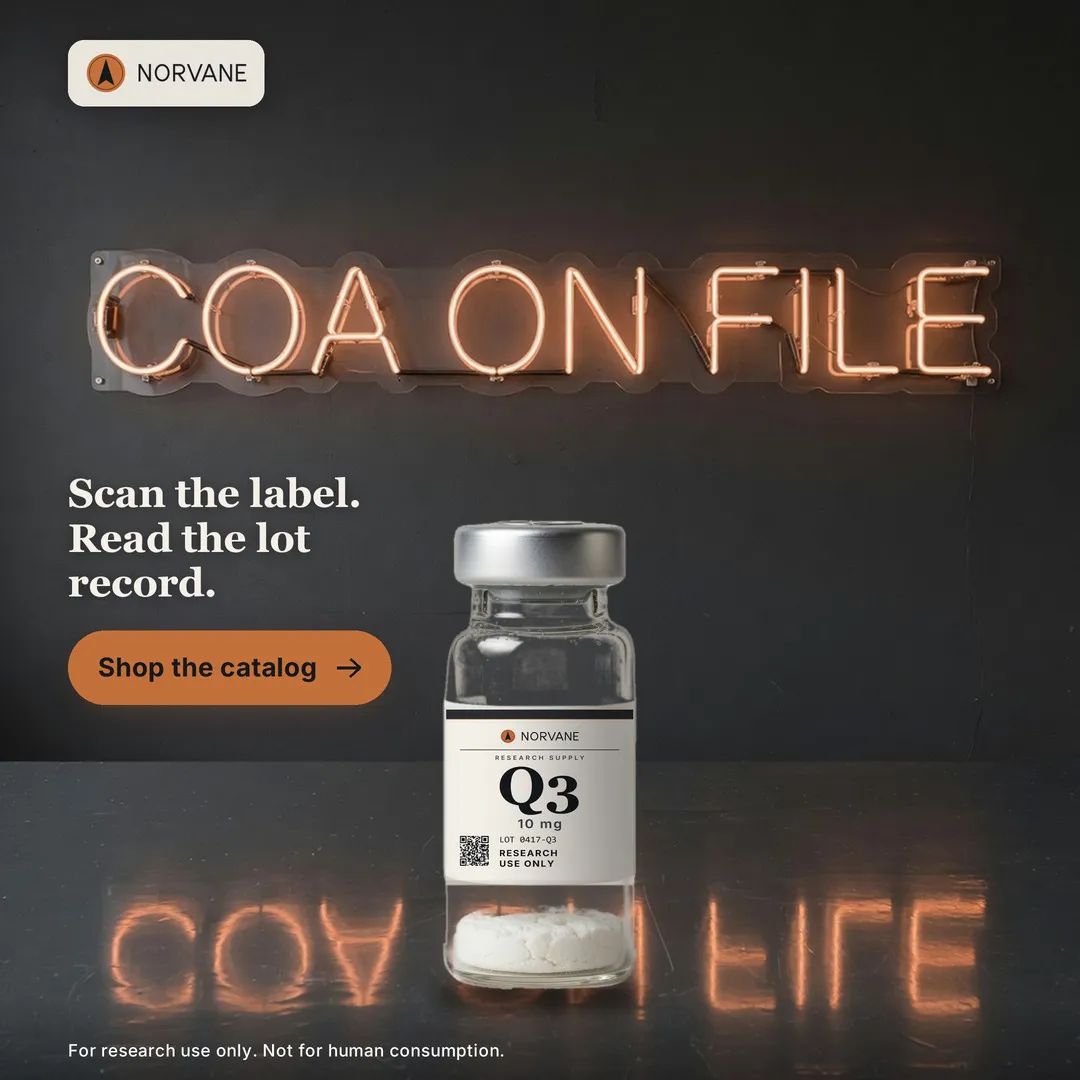
- Sample ads made outside this demo workspace: pictures from an image model, words, labels and required lines set by code. Labelled SAMPLE in the app's Season gallery.
- Nine Seasons across, three variants down: a 3 × 9 grid.
- Tone, placement and product alternate by rule, not at random, so the grid reads as one pattern.
- Vials and their labels are placed by code. Every word the image model drew was read back letter by letter.
- No people, no syringes, no health, benefit, dosing or human-use words, no purity figures. The research-use line is on every tile.
- Sample creative for a fictional brand. Nothing here has run as a paid ad.
27 sample ads, 9 Seasons, one pattern you can see from across the room.
Asset Library
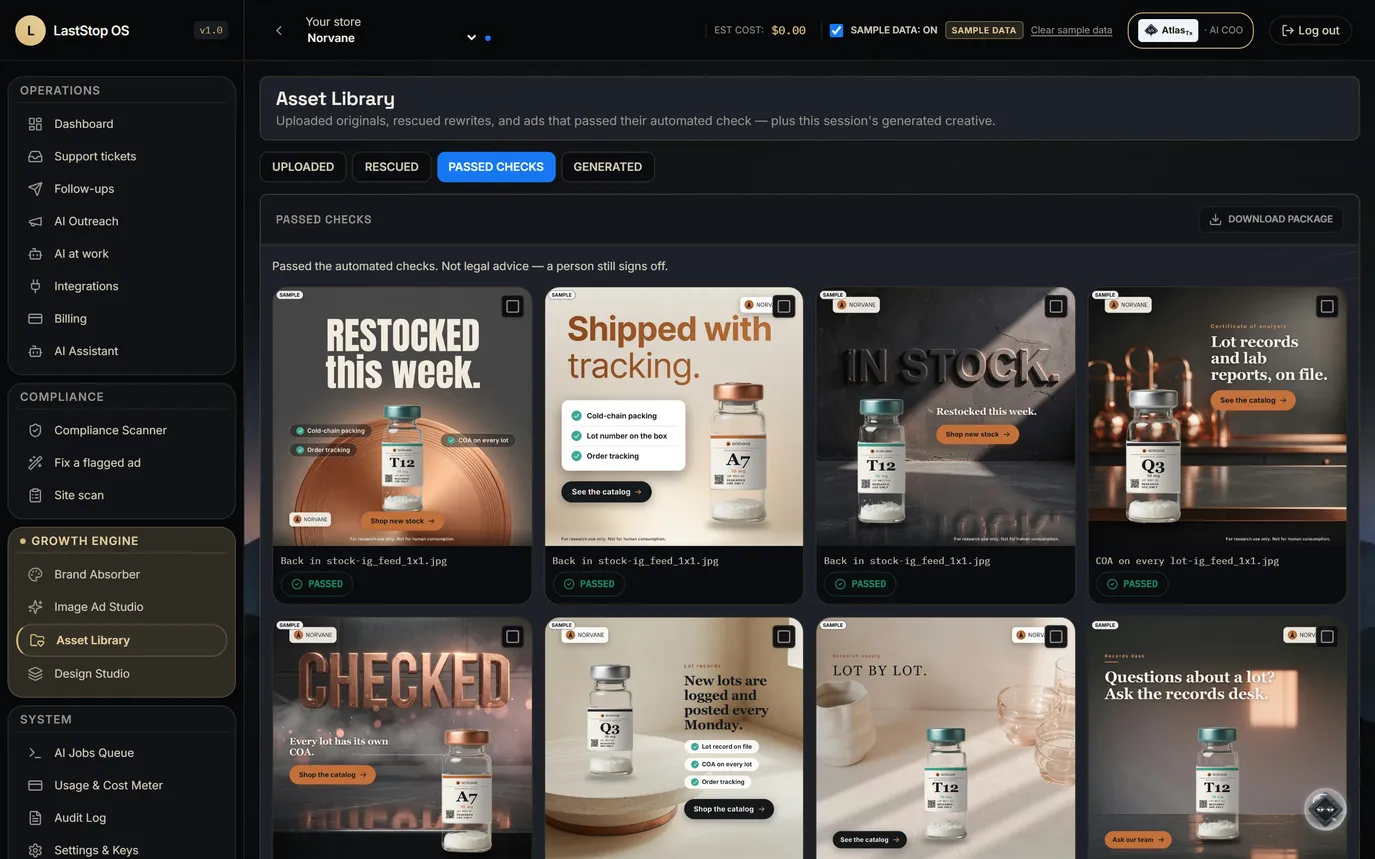
- Three shelves: uploads, ads rescued by a research-use rewrite, and ads that passed.
- Each ad keeps its status and its compliance verdict.
- Download a set as one package, ready for an agency or an ad account.
- Today the library lives in this browser session. A server-side library is not built yet.
Every ad that passed or was rescued, on one shelf, ready to download.
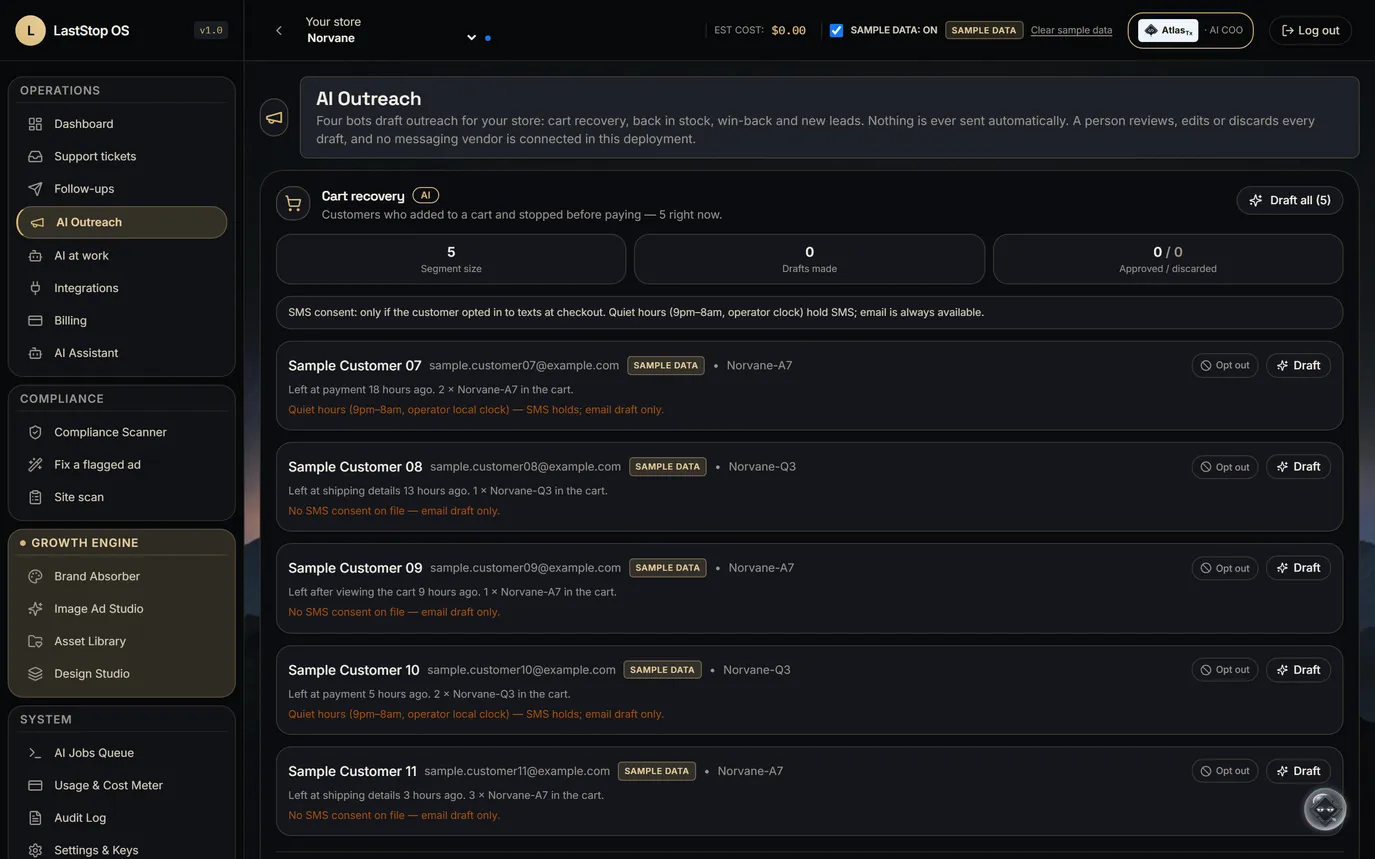
Outreach bots 1 · Cart recovery and back-in-stock
- The cart recovery bot drafts email and text for customers who left a cart, and respects consent and opt-out.
- The back-in-stock bot drafts notes for customers waiting on a sold-out product.
- No messaging provider is connected, so nothing is sent.
Left a cart, or waiting on a restock? A drafted note, within consent.
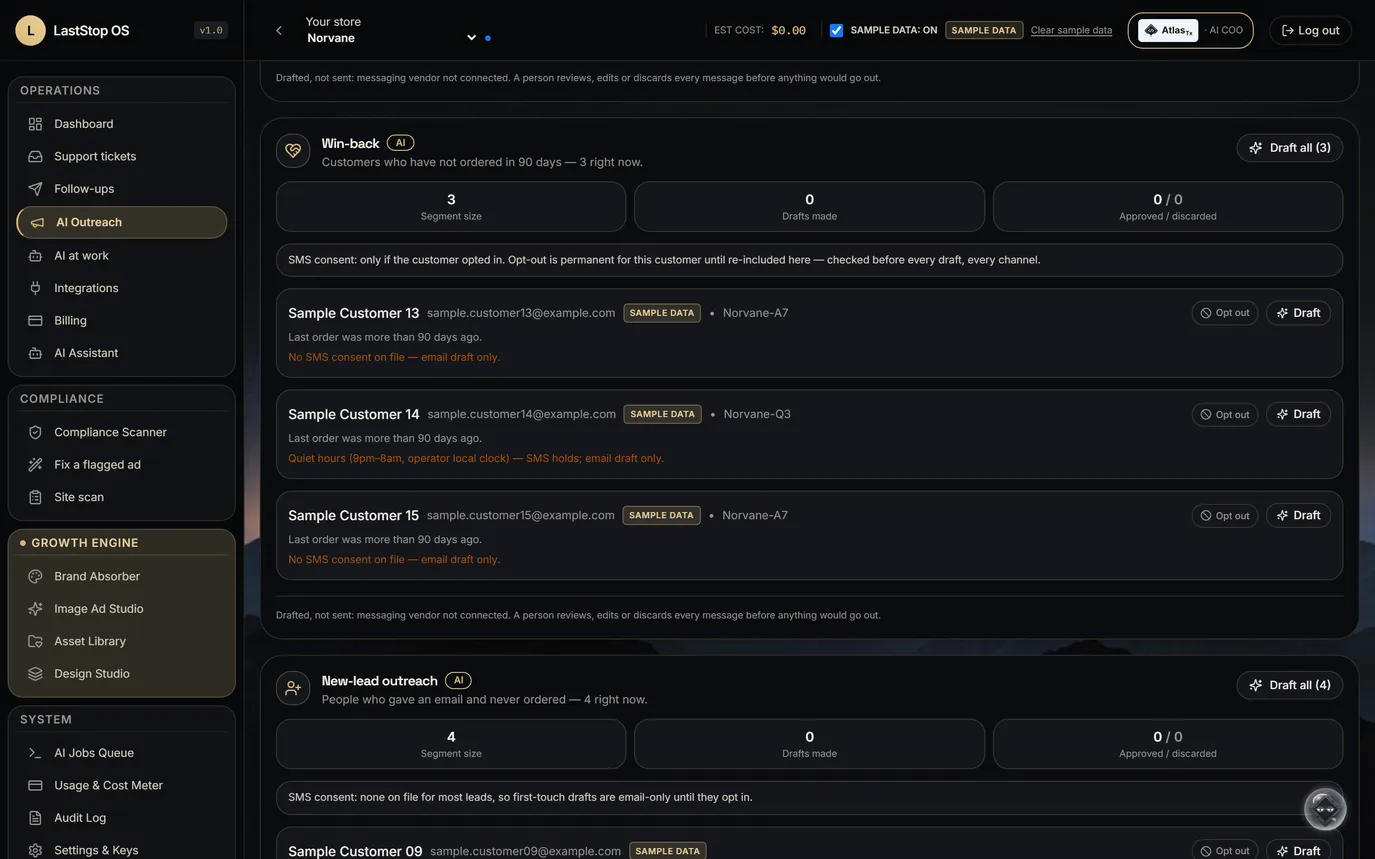
Outreach bots 2 · Win-back and new leads
- The win-back bot drafts notes for customers who haven't ordered in a while.
- The new-lead bot drafts a first touch for people who gave an email and never ordered.
- A person sets the offer and approves every send.
Customers who went quiet, and sign-ups who never ordered, each get a draft.